

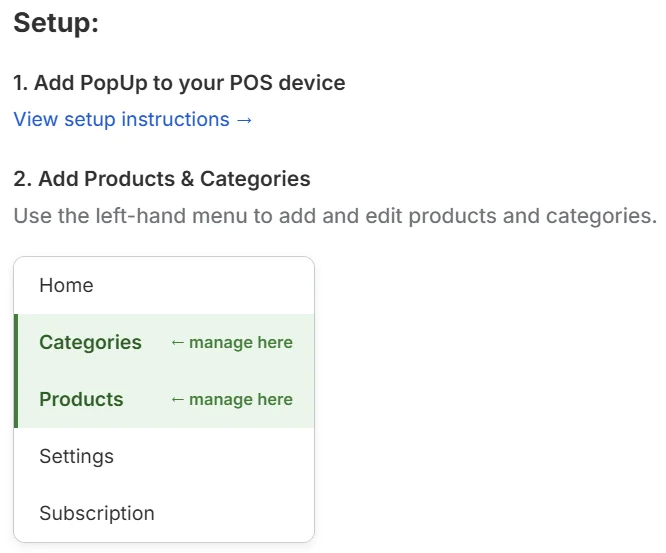
What you’ll add
- Products — the items you sell, with prices and whether they’re sold by weight or at a fixed price
- Categories — optional groupings (e.g. Vegetables, Dairy, Honey) to organize your products in the POS browser
Next steps
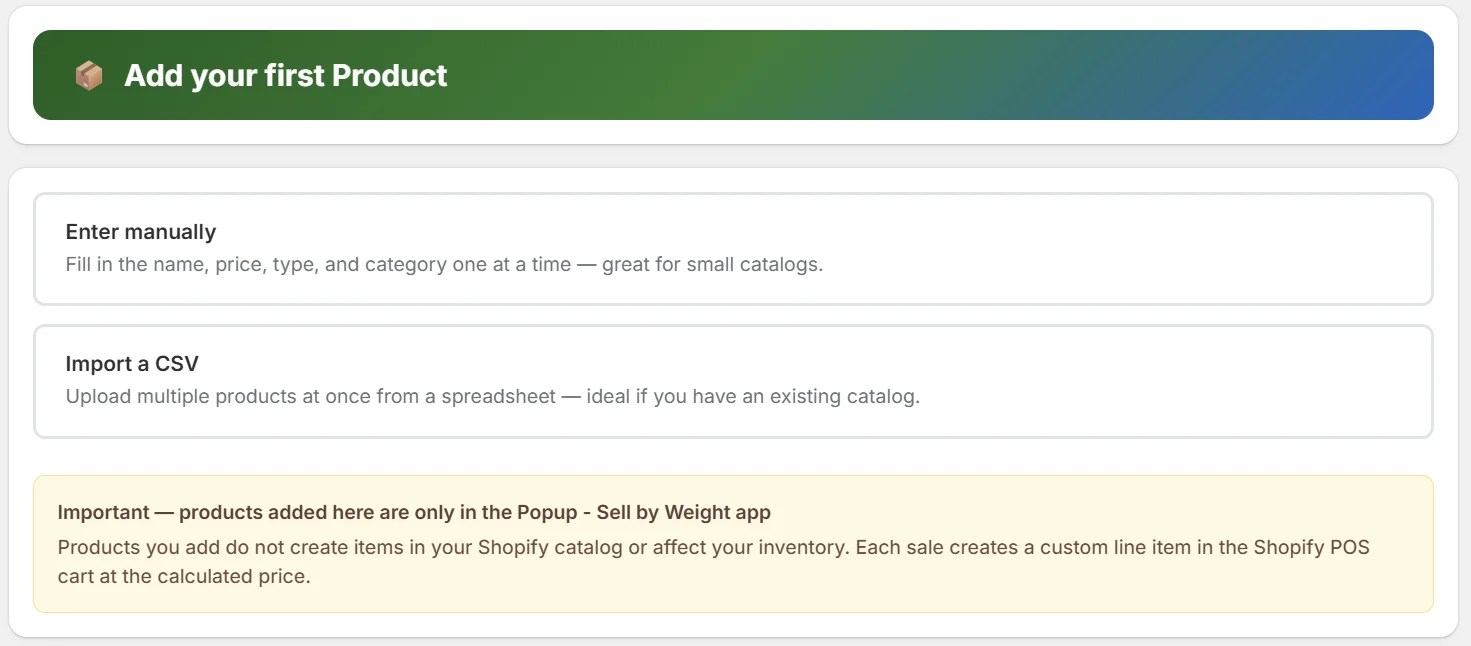
Adding products
How to add weight and fixed-price products
Adding categories
How to create and assign categories
Customizing your tile
Add artwork and colors to your product tiles
Selling at market
Ready to sell? Start here