> ## Documentation Index
> Fetch the complete documentation index at: https://popup.apps.madvalley.com/docs/llms.txt
> Use this file to discover all available pages before exploring further.
# Creating your catalog
> Add your first products and get ready for market day.
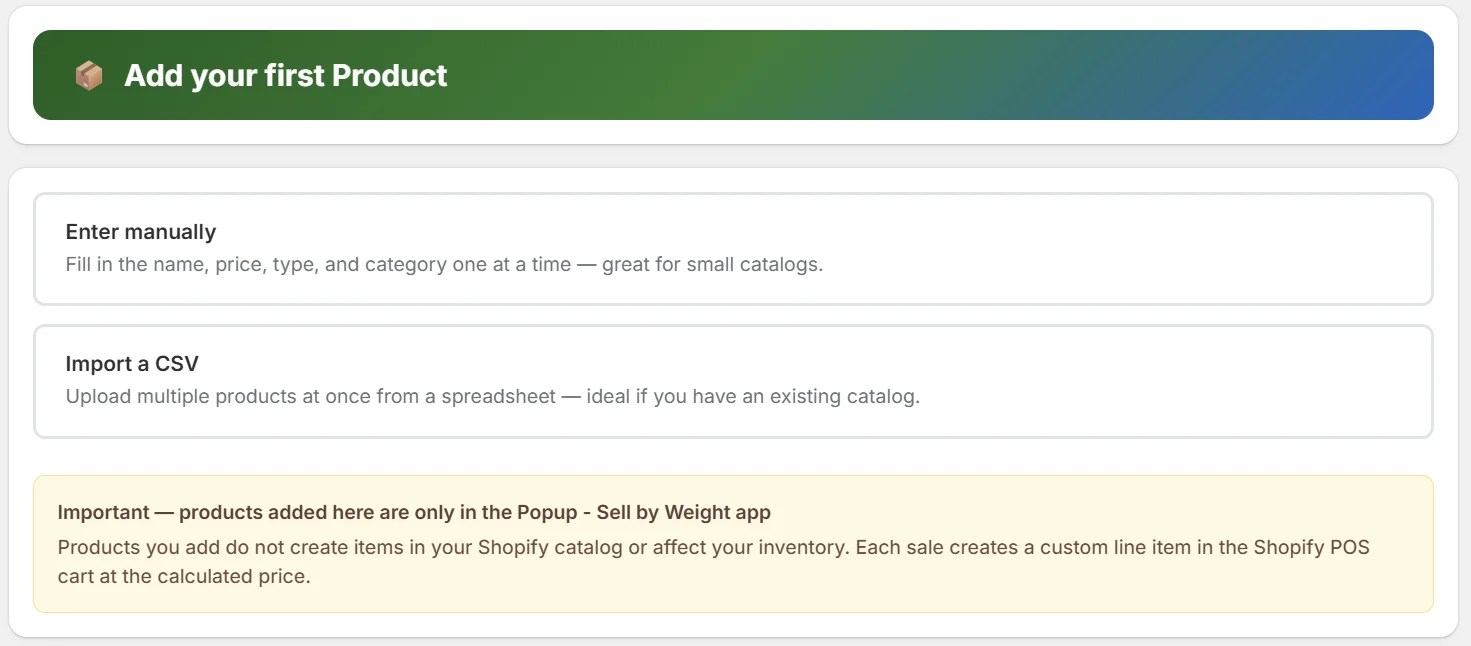
After installing PopUp and choosing a plan, the setup wizard walks you through adding your first product.
 ## What you'll add
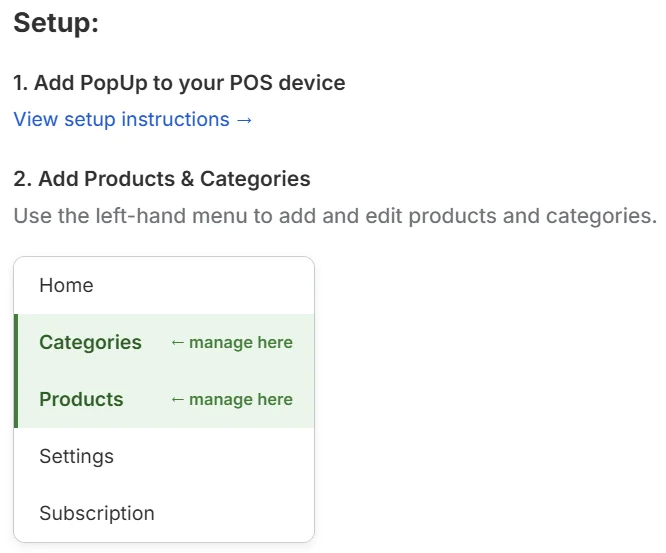
* **Products** — the items you sell, with prices and whether they're sold by weight or at a fixed price
* **Categories** — optional groupings (e.g. Vegetables, Dairy, Honey) to organize your products in the POS browser
You don't need categories to start. Add a few products first, then organize with categories once you have enough items where categories make sense.
## What you'll add
* **Products** — the items you sell, with prices and whether they're sold by weight or at a fixed price
* **Categories** — optional groupings (e.g. Vegetables, Dairy, Honey) to organize your products in the POS browser
You don't need categories to start. Add a few products first, then organize with categories once you have enough items where categories make sense.
 ## Next steps
How to add weight and fixed-price products
How to create and assign categories
Add artwork and colors to your product tiles
Ready to sell? Start here
## Next steps
How to add weight and fixed-price products
How to create and assign categories
Add artwork and colors to your product tiles
Ready to sell? Start here